Metronome
1Decrease tempo
Tap minus to slow the click down one step at a time.
Build a steady pulse and gradually increase the challenge.
A metronome gives you a steady beat to play against. Its speed is measured in beats per minute (BPM): at 60 BPM, each beat is one second apart. Practicing with a steady pulse helps you notice when you rush or slow down.
Set a comfortable tempo and play a simple chord change or picking pattern with the click. Use accents to hear the start of a bar, or subdivisions to hear smaller steps between beats. The metronome also offers saved presets, a practice timer, gradual tempo changes, and silent bars that let you check whether you can keep the pulse without hearing every beat.
Select a number in an image to see its explanation.
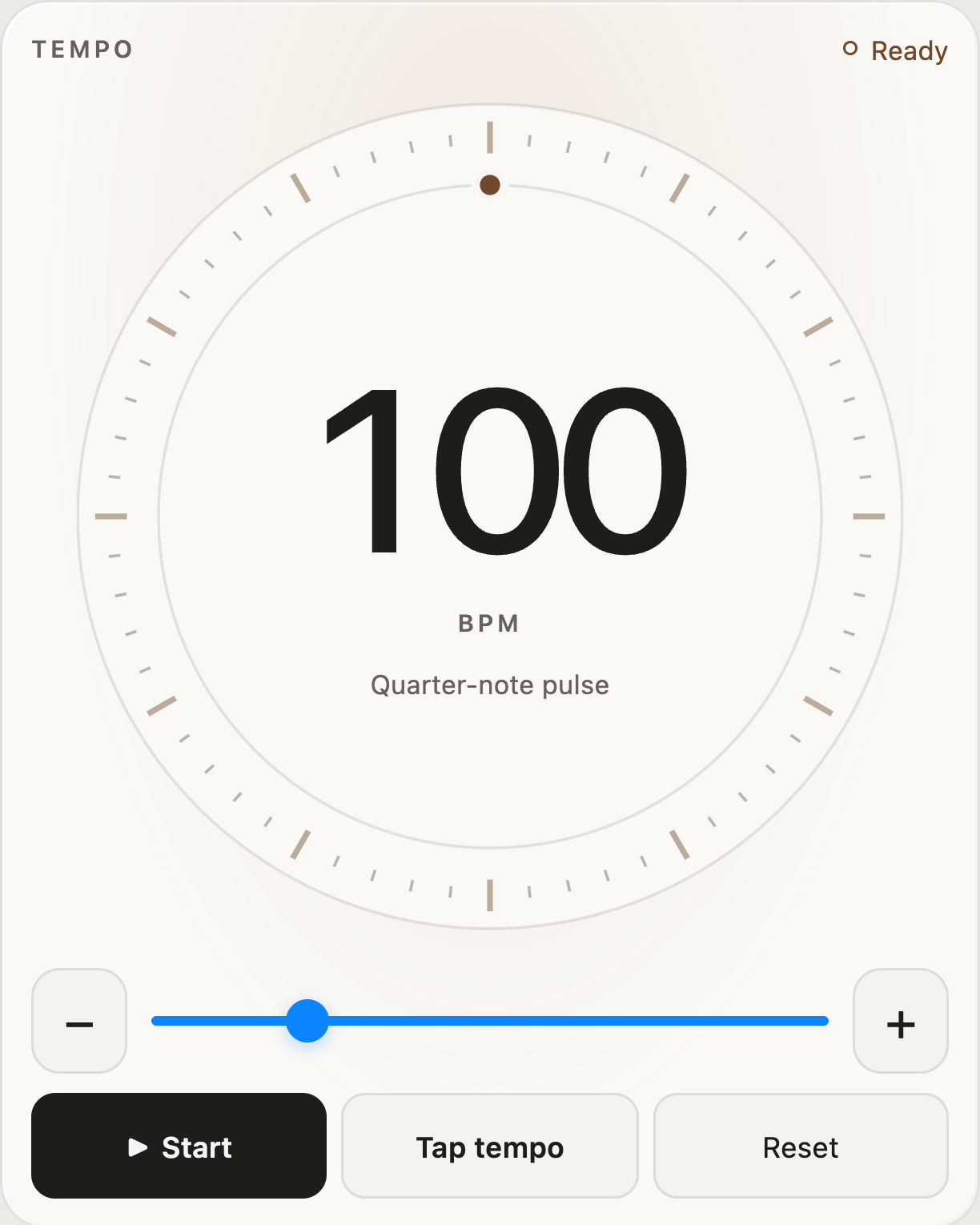
Tap minus to slow the click down one step at a time.
Move the slider to set the speed in beats per minute (BPM).
Tap plus to speed the click up one step at a time.
Tap Start to hear the click; tap Stop to end it.
Tap this button repeatedly at the speed you want; the metronome estimates the BPM.
Return the tempo to its default value.
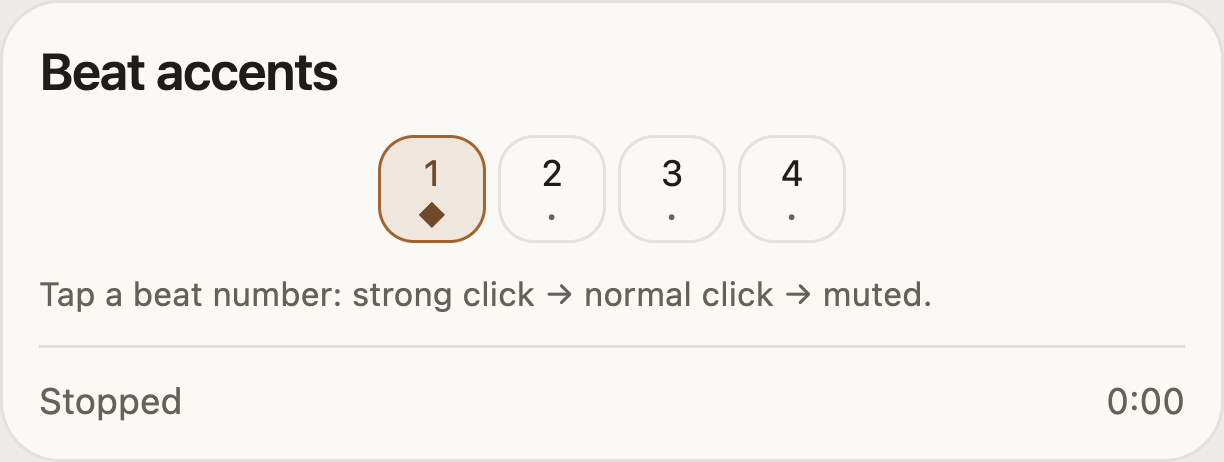
Tap a beat number to cycle through a strong click, a normal click, and silence. For example, emphasize beat 1 to hear the start of each bar.
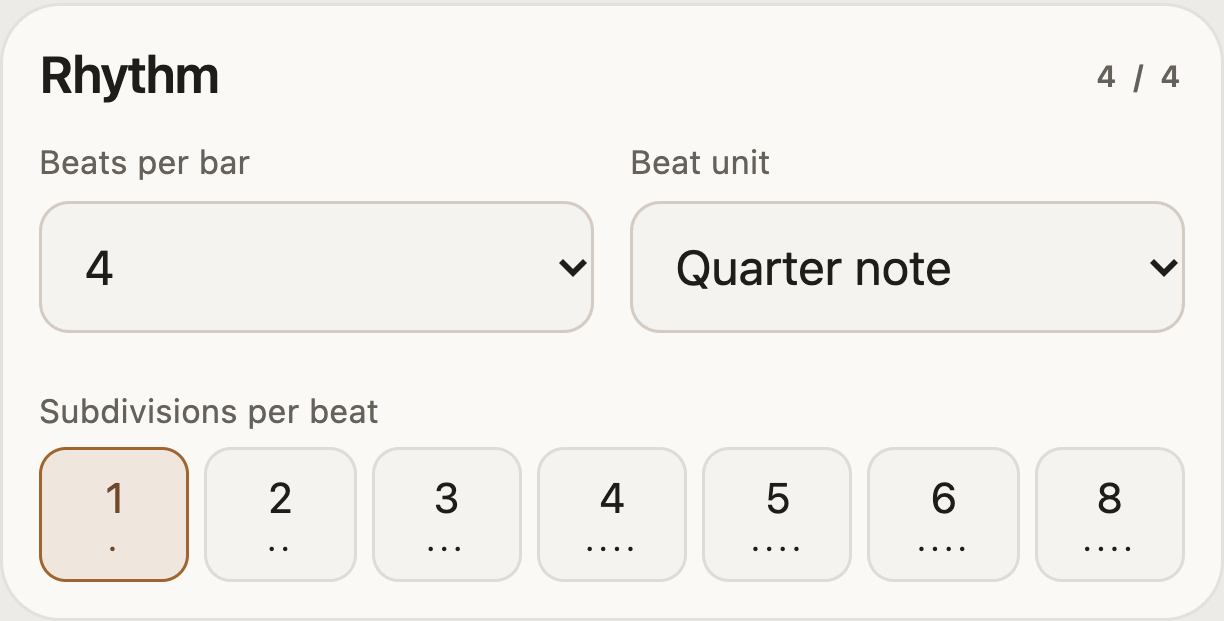
Choose how many beats are in each bar. For example, choose 4 to count 1–2–3–4.
Choose the note value counted as one beat, such as a quarter note.
Divide each beat into smaller clicks. For example, choose 2 to hear two evenly spaced clicks per beat.
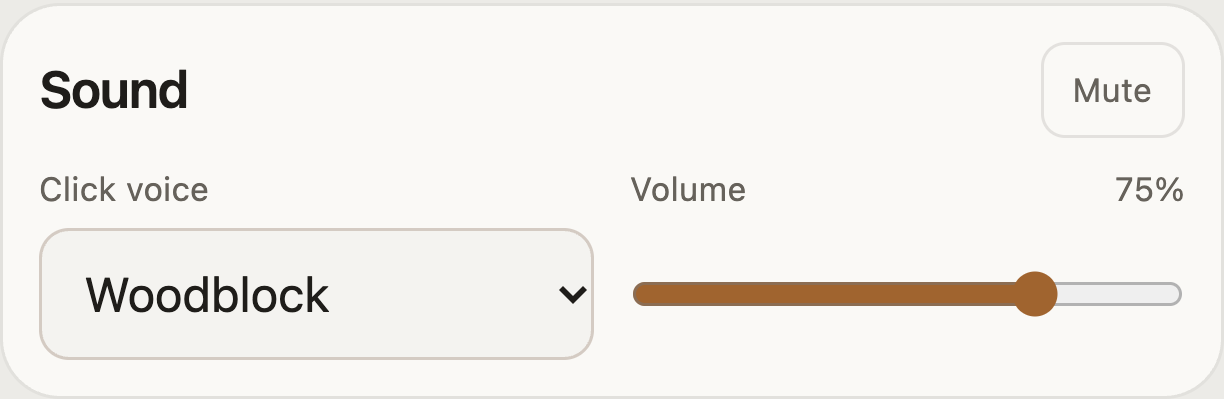
Silence the click while keeping the visual beat indicators.
Choose the click sound, such as woodblock or a digital beep.
Move the slider to make the metronome quieter or louder.
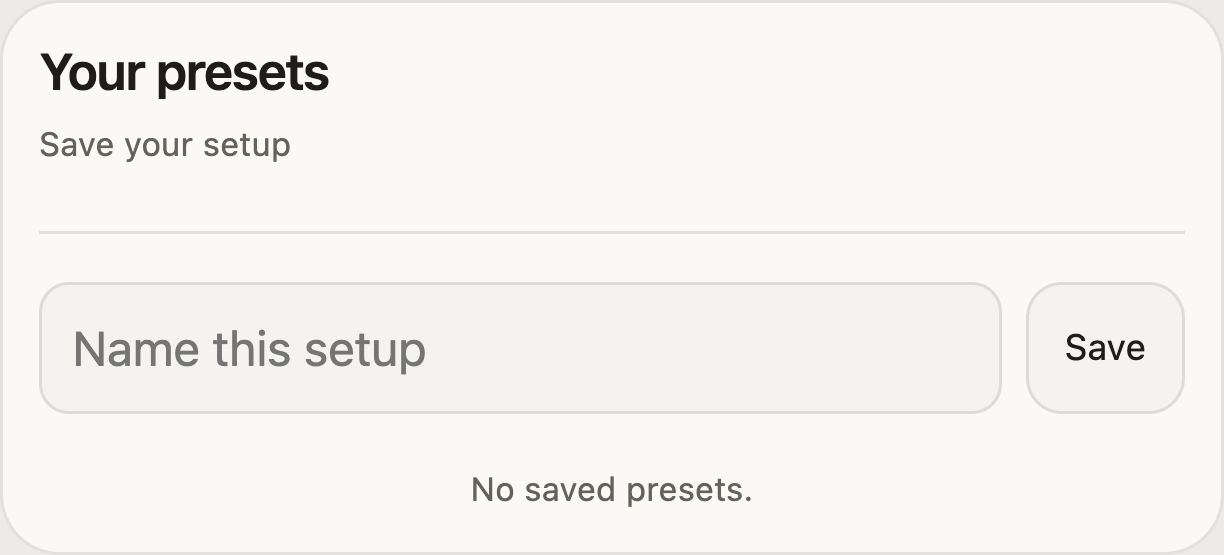
Enter a name for the current metronome settings.
Tap Save to keep the current setup. Select a saved preset later to restore its settings.
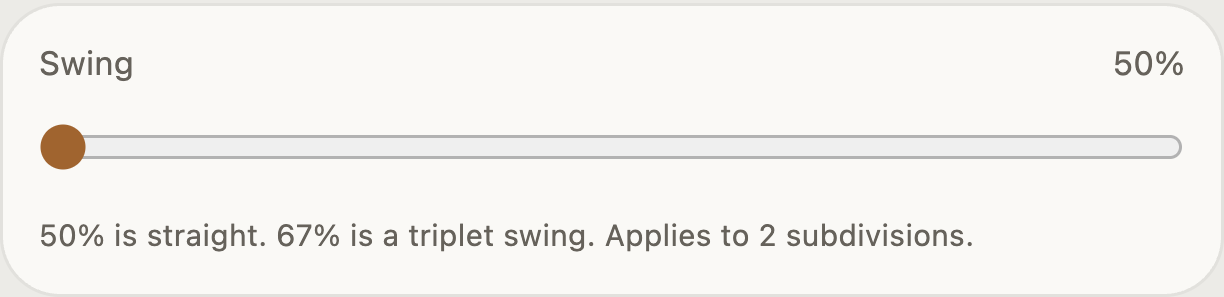
When using two subdivisions, increase Swing to change the spacing between them. 50% is even; about 67% gives a triplet-style swing.
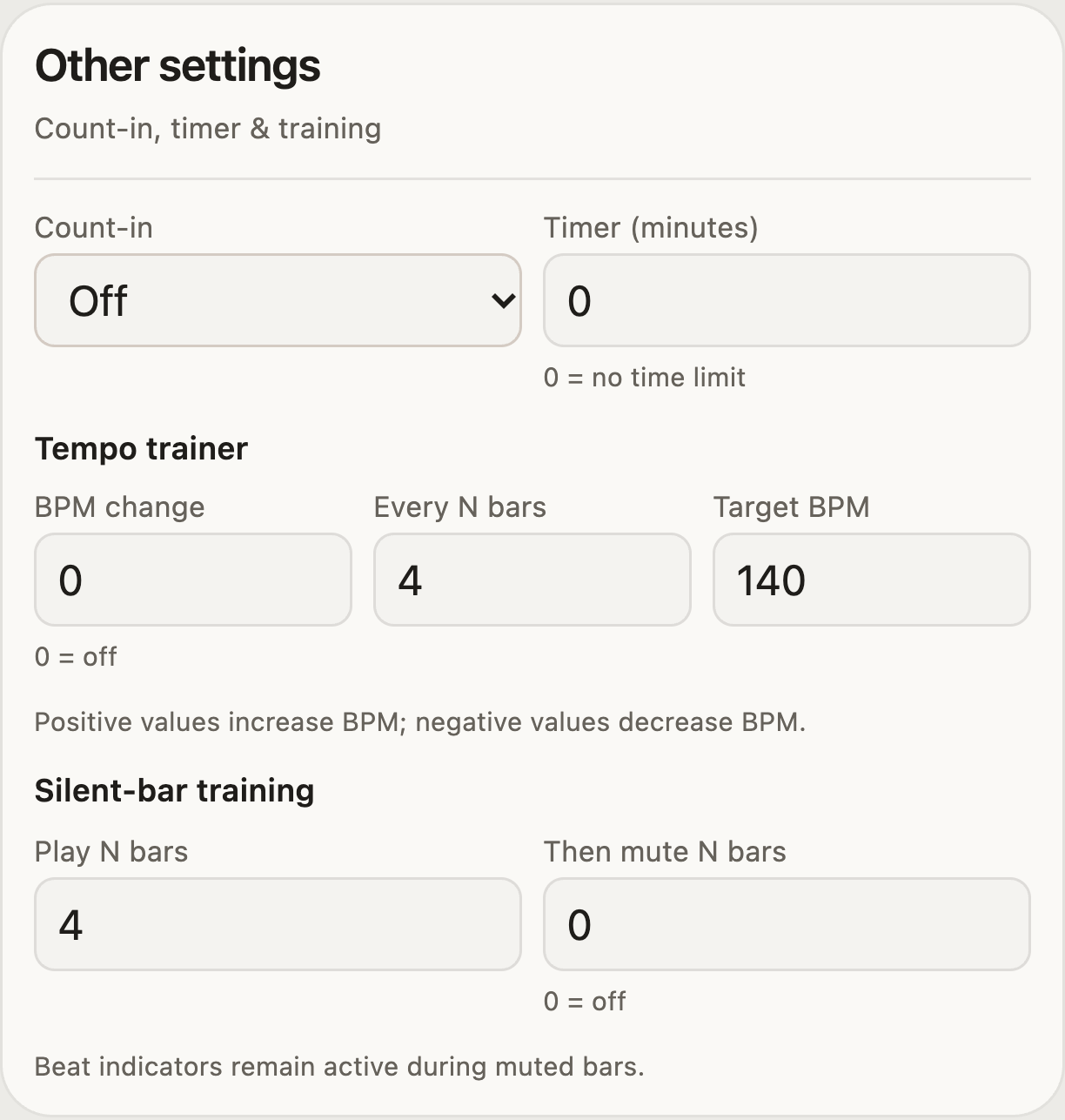
Choose how many bars of clicks play before the timer and training begin.
Set a practice duration in minutes. A value of 0 leaves the timer off.
Set how much Tempo trainer increases or decreases the speed; 0 turns it off.
Choose how many bars pass between tempo changes.
Set the speed at which Tempo trainer stops changing the tempo.
Choose how many bars have an audible click in silent-bar training.
Choose how many bars to silence after the audible bars. Use 0 to turn silent bars off.