

Make it yours
Choose voicings and guitar sounds, use left-handed diagrams, and open a wider fretboard view in landscape.
StrumForge features
Write chord progressions, connect the fretboard, and sharpen your timing. StrumForge brings six essential guitar tools into one place, with interactive diagrams and playback that make every session more musical.
Free to start on web, iPhone, iPad, and Android. Unlock the full toolkit with StrumForge Pro.
01 · Songwriting & rhythm
Find a starting point worth playing.
Create a progression, hear it with a groove, and shape it into your own song or practice loop. Playable diagrams keep every chord connected to your guitar.
Adjust tempo, drum groove, and guitar sound. Follow the active chord as playback moves through the progression.
Explore chord progressions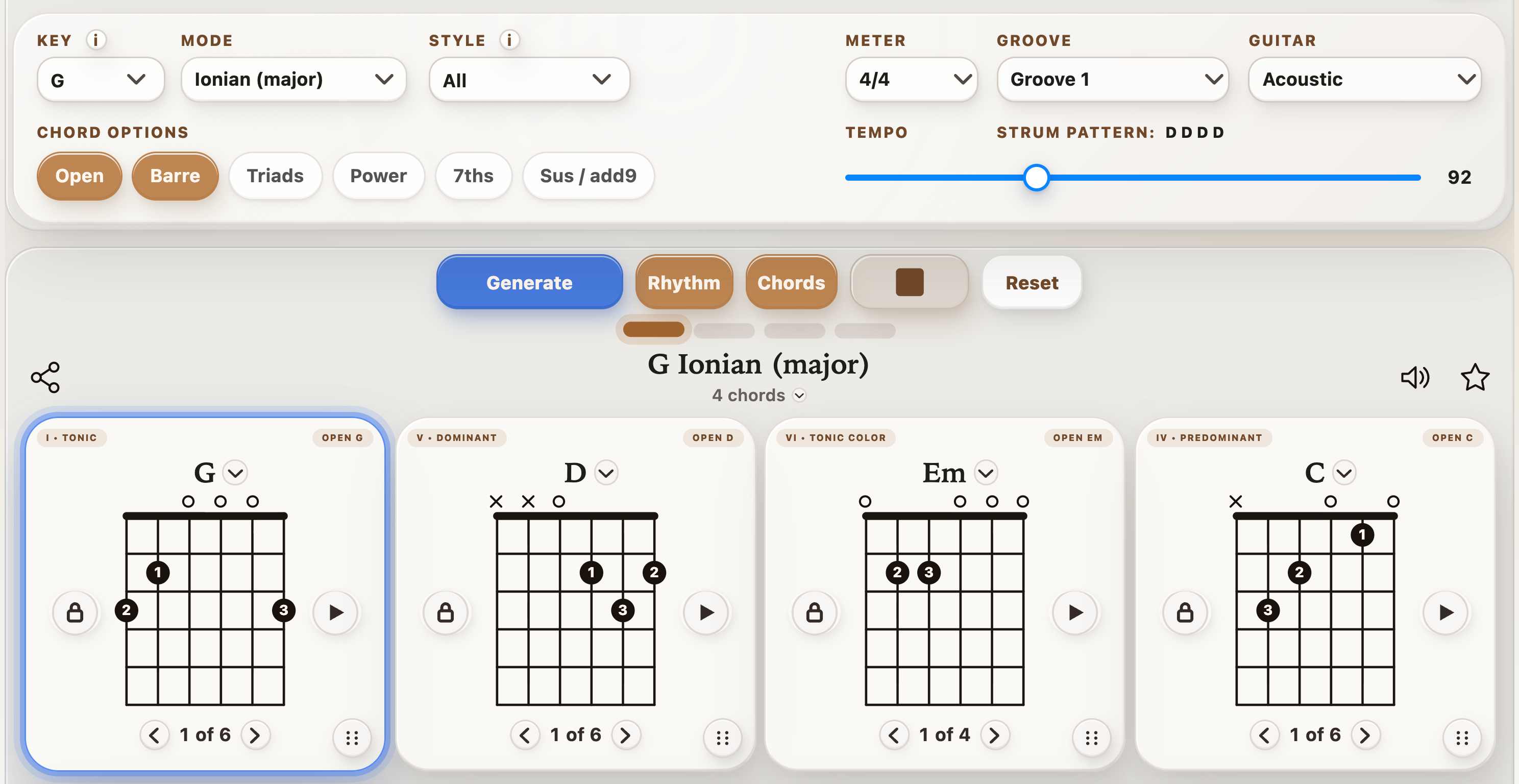
02 · Fretboard fluency
Find fresh voicings all over the neck.
Learn how three-note chords connect across the fretboard. Compare inversions to find smoother chord changes, tighter rhythm parts, and new places to play familiar harmony.
Free preview. Interactive controls and playback require StrumForge Pro.
Explore the triad trainer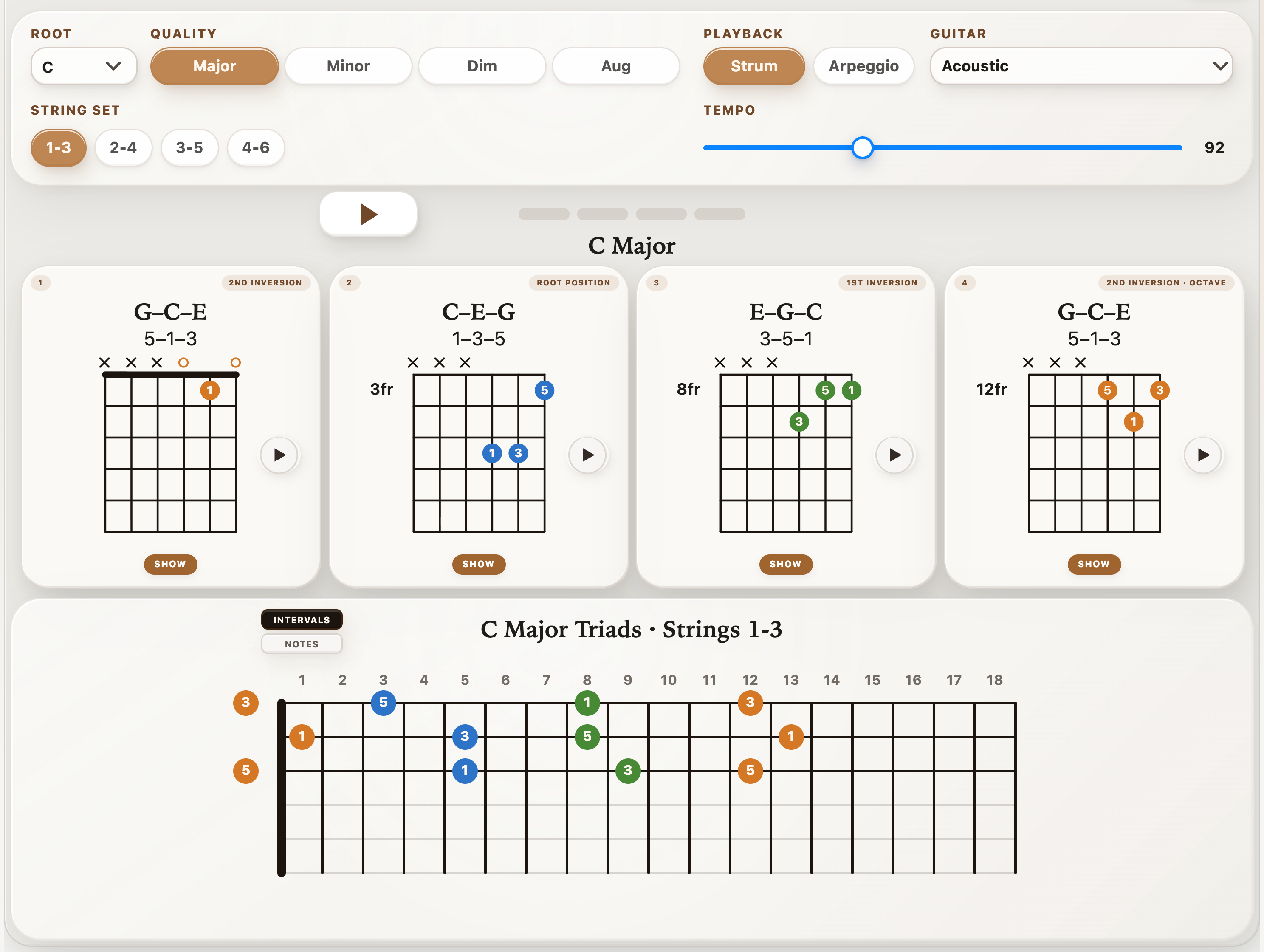
03 · Chord tones & lead guitar
Give your melodies somewhere to land.
Turn chord shapes into single-note lines. Follow movable CAGED patterns and hear each chord tone so your solos can follow the harmony with more intention.
Free preview. Interactive controls and playback require StrumForge Pro.
Explore the arpeggio trainer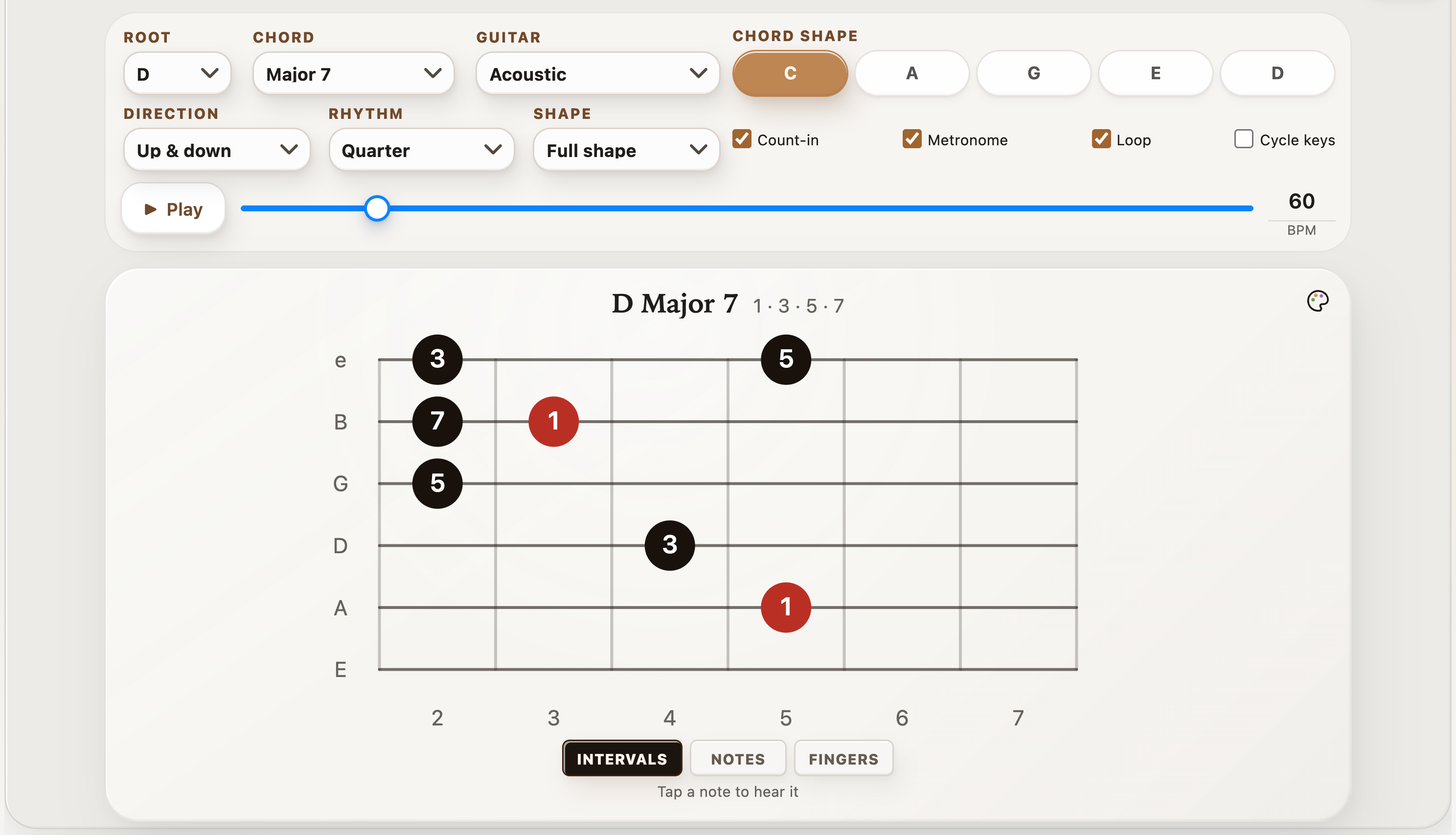
04 · Scales & improvisation
Connect the pattern to the progression.
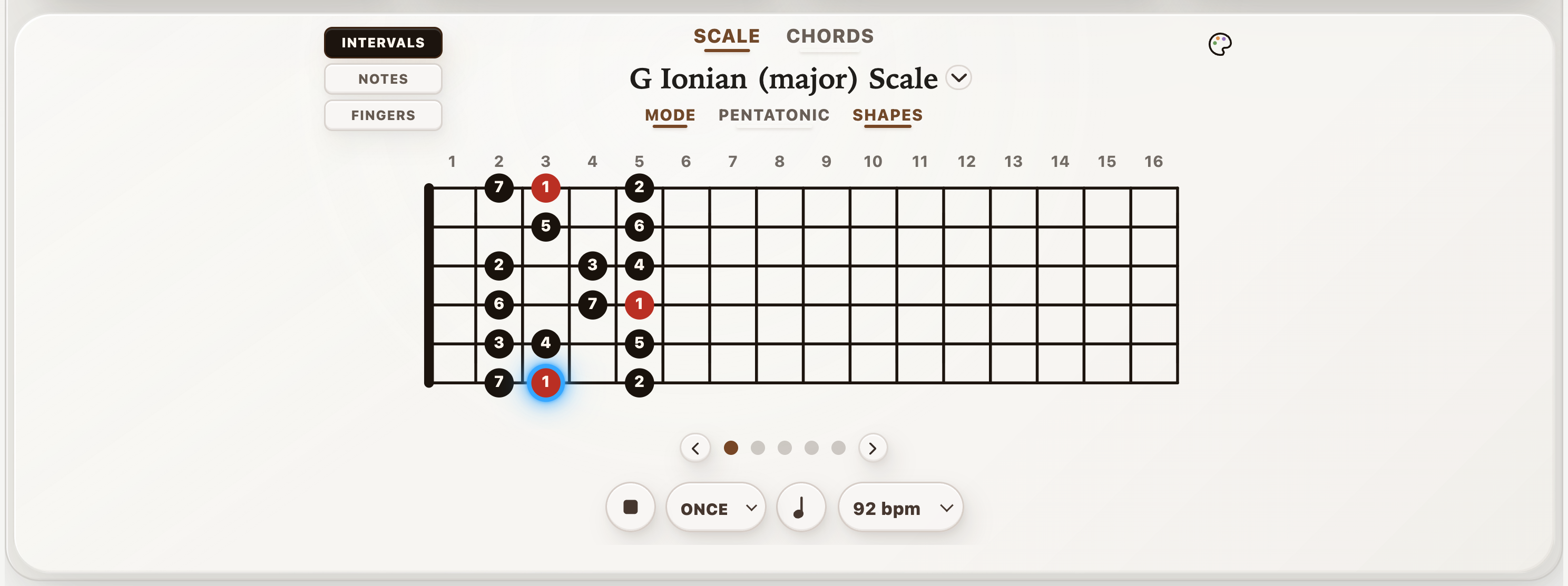
Explore the notes around your chords, then practice them in time. Move between scale shapes and the chords in a key to build a clearer picture of how rhythm and lead fit together.
05 · Timing & control
Build a stronger sense of time.
Set up the pulse your practice needs, from a slow chord-change drill to syncopated picking. Visual beat feedback helps you stay oriented while you listen and play.
Metronome controls and playback require StrumForge Pro.
Try it in StrumForge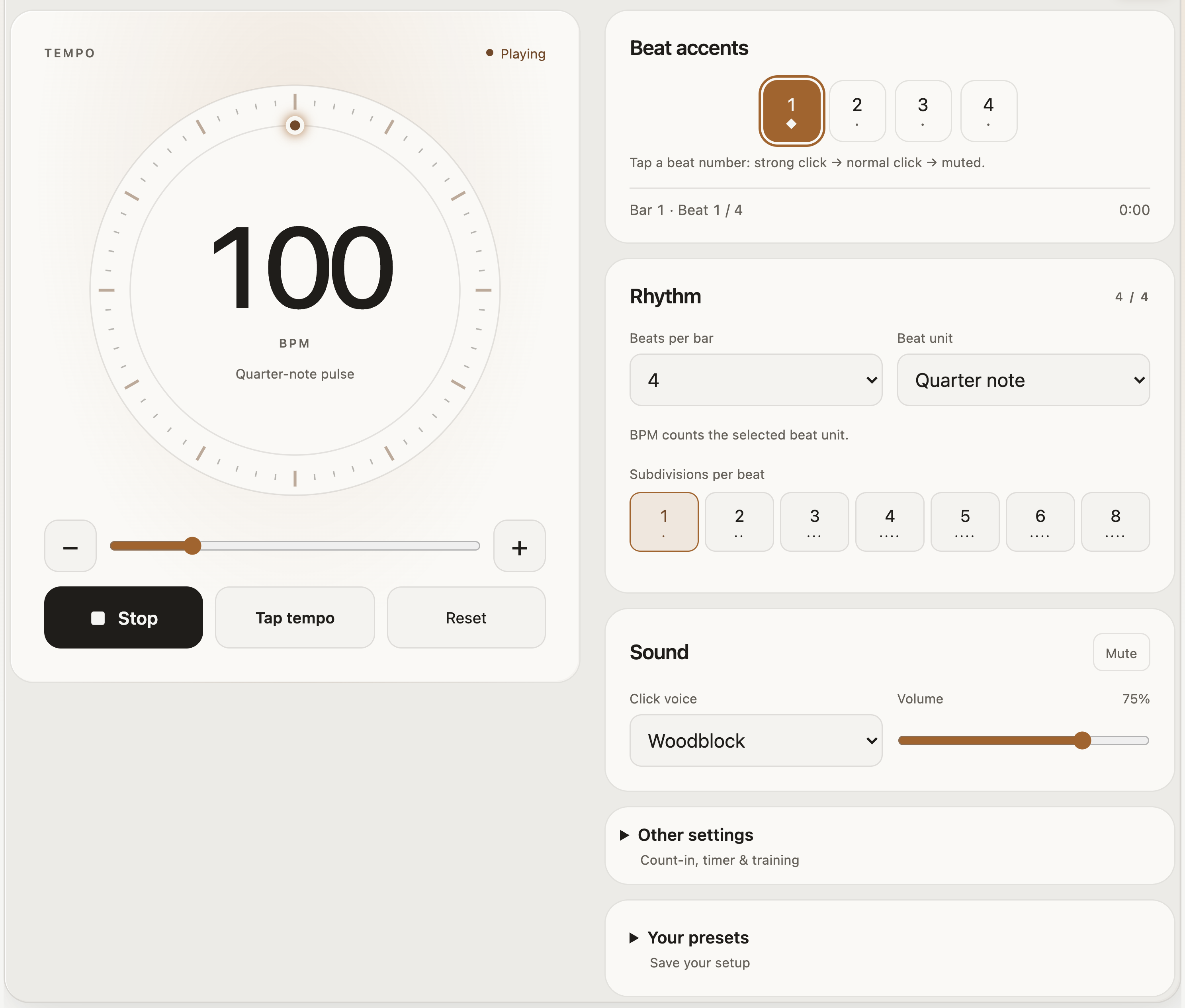
06 · Tuning & new sounds
Tune up. Try a different direction.
Get ready to play with a clear pitch display and built-in tuning presets. Explore the open strings and new textures of an alternate tuning before your next practice or writing session.
The built-in tuner requires StrumForge Pro. Microphone audio stays on your device.
Try it in StrumForge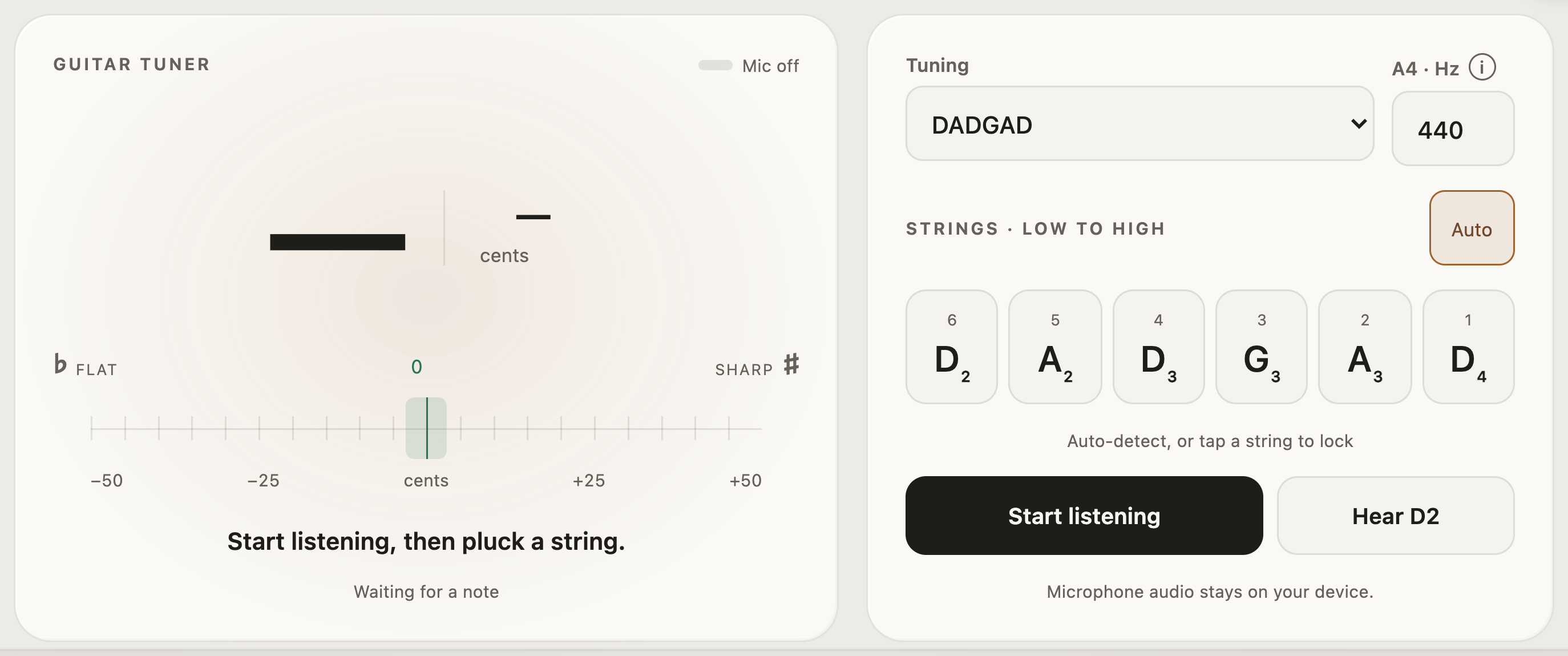
Your practice, connected
Generate a progression, explore its chord tones, and work on the rhythm. StrumForge keeps the tools close so you can follow an idea from a first chord to a full practice session.
Choose voicings and guitar sounds, use left-handed diagrams, and open a wider fretboard view in landscape.
With Pro, save favorites, organize ideas into folders, share progressions, and sync across devices.
Try progression generation and explore trainer previews. Pro unlocks interactive trainers, tuner, metronome, unlimited generation, and longer progressions.